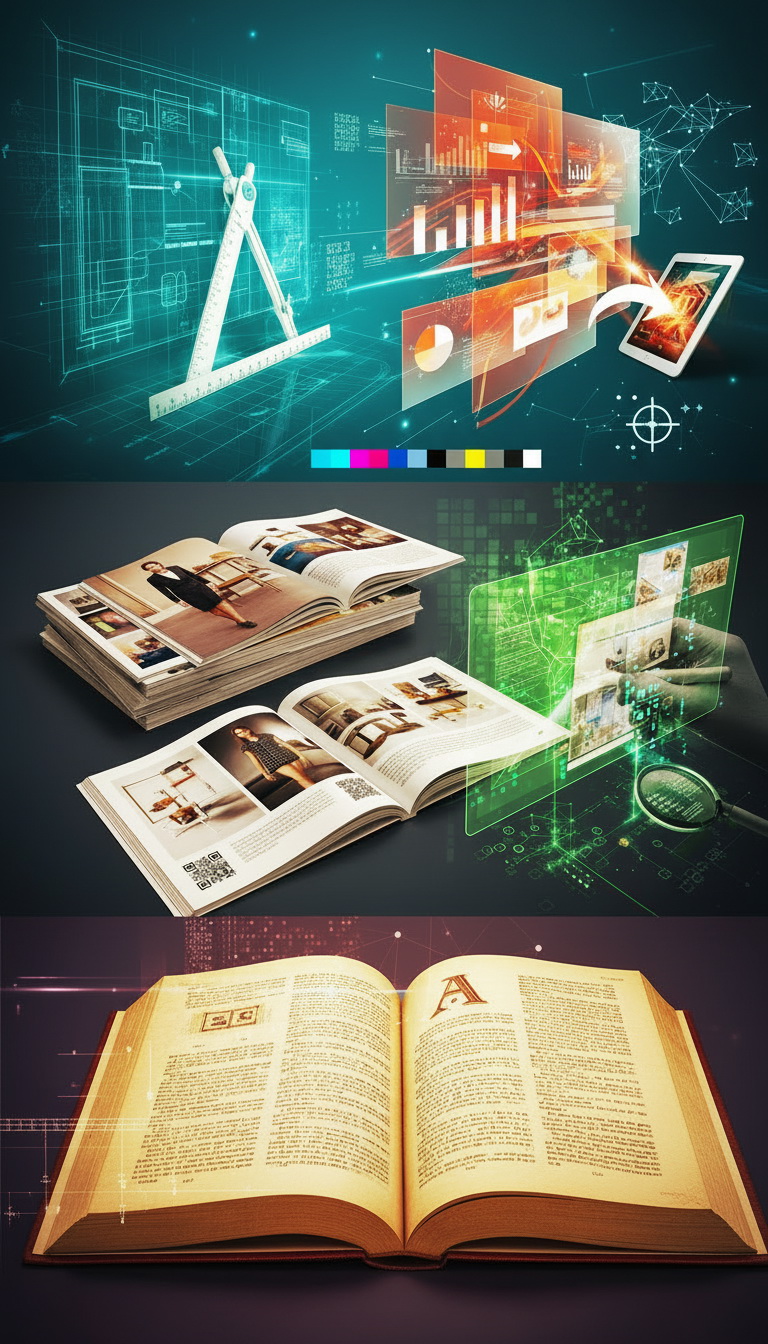
Translation Layout (DTP) is the process of formatting translated text, graphics, and tabular information while preserving the style of the original source. This involves maintaining the original design of the source, including: character size; emphasis (bold, underline, italics); heading types; list markers; and captions for illustrations.
Translation layout is used, for example, in books, drawings, technical and project documentation, advertising brochures, presentations, pamphlets, and other documents where the graphic or structural component is as important as the text. The service includes processing text files, files in non-editable formats (.pdf), as well as non-editable graphic objects (pictures, inscriptions, formulas, tables, etc.) in editable formats (doc., .ppt, .dwg) to ensure the final appearance of the translated file fully matches the original file, with all original language text replaced by the translated text. This is performed using software that allows for subsequent editing of the translated file and corresponding graphic objects. Additionally, if required – at the Client's request – layout can include additional formatting of text files in an editable format.
We offer different layout options, depending on the Client's needs:
Simple Layout
This service involves aligning the layout of the translated file with the original document, received in its original MS Word, Excel, PowerPoint format, with single-column text, and containing no non-editable graphic objects, embedded objects, tables, or formulas.
Medium Complexity Layout
This service involves aligning the layout of the translated file with the original document, received in its original MS Word, Excel, PowerPoint format, containing graphic objects, embedded objects, and tables (no more than two objects/tables per page). This category also includes restoring the original layout of text documents from PDF without graphics.
Complex Layout
This service involves working with MS Word, Excel, PowerPoint files rich in graphic objects, embedded objects, formulas, and tables. It also includes working with Microsoft Visio, Microsoft Project, etc. This category covers restoring the original layout of text documents from PDF with graphics and tables, as well as those scanned at low resolution and/or including handwritten text, and image formats (jpeg, tiff, etc.). Bilingual layout (in 2 columns or paragraph-by-paragraph) is also included here.
Layout of Drawings Received in PDF Format
This service is used for the layout of drawings received in PDF format: the unit of measurement is an A4-sized drawing; for other formats, the scope of work is calculated as a multiple of A4.
Layout in Professional Publishing Systems
Layout in professional publishing systems (Adobe InDesign, FrameMaker, etc.), including for printing in a print shop.
Layout of Drawings in CAD Systems
This service includes the layout of drawings received in CAD system formats (AutoCAD, Microstation, etc.): the unit of measurement is an A4-sized drawing; for other formats, the scope of work is calculated as a multiple of A4. A CAD (Computer-Aided Design) system – a specialized automated design system – is used in this work.
This is used to preserve the structure of complex original documents – images, tables, diagrams, and drawings, as well as other graphic features (font, text placement) and additional design elements that need to be maintained in the translated document. It is often applied when translating project documentation, instructions, and regulations.
23 bld. 1, Matrosskaya Tishina Street, Moscow, Russia
quote@neotech.ru
© Neotech.ru. All Rights Reserved. Designed by HTML Codex
This site is protected by reCAPTCHA and the Google Privacy Policy and Terms of Service apply.
 EN
EN